A Practical Introduction to Containers
Learn containers through image builds, persistent volumes, port mappings, and a hypothetical local service, with clear checks for the limits of isolation.
By FindTheWeb Editorial
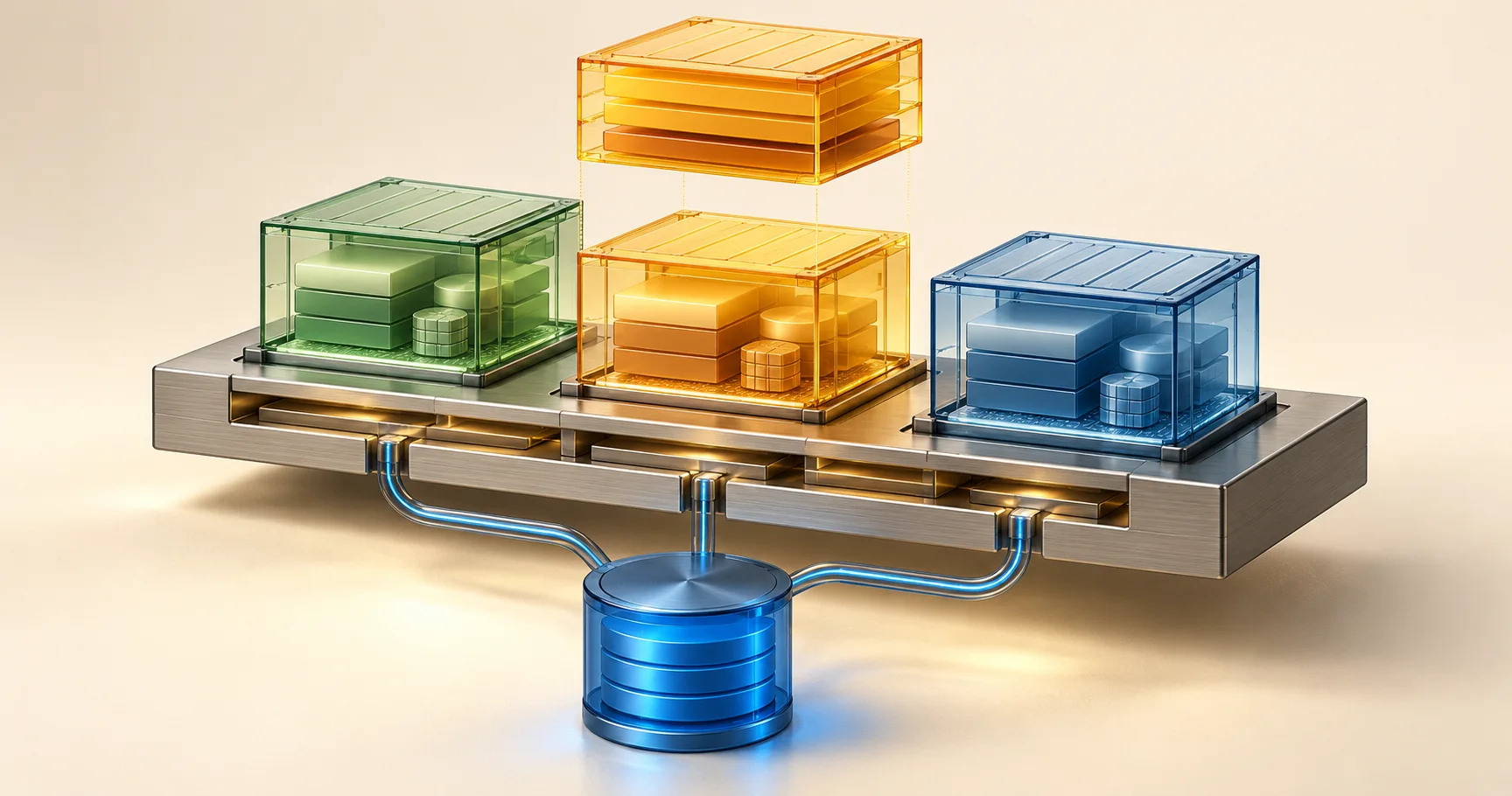
A container packages the files and configuration needed to start an application process in an isolated environment. An image is the packaged starting point; a container is an instance created from it. That distinction explains why changing a running container is usually a poor way to preserve an application release.
Docker's container introduction describes containers as isolated processes and contrasts them with virtual machines. Containers share a kernel rather than each carrying a separate guest kernel. This makes them useful for repeatable application environments, but it does not make an untrusted workload harmless.
Draw the application boundary
Start with a small service you understand: a static website, a development API, or a worker processing local sample files. Identify its startup command, listening port, dependencies, configuration, and persistent data. If those details are unknown, putting the service in a container will hide confusion behind a successful start command.
A useful first diagram has three boxes: the application process, external dependencies, and durable data. Decide which files are part of the release and which are generated while the service runs. Application code belongs in the image. User uploads and database contents generally need an explicit persistence strategy beyond that disposable instance.
Check operating-system and processor compatibility before assuming an image is portable to every machine. A Linux image and a Windows image are not interchangeable simply because both are called containers. Your runtime, host, and image architecture must support the workload. Treat portability as a set of verified conditions rather than a slogan.
Read a Dockerfile as a build recipe
A Dockerfile describes how an image is assembled. Docker's Dockerfile guide explains instructions including FROM, WORKDIR, COPY, RUN, USER, and CMD. Build-time commands and the command used when a container starts have different jobs; installing dependencies on every launch makes startup depend on an external package service.
For a first project, write down which runtime version you intend to support, copy only necessary files, and keep dependency lock information alongside the application. Exclude secrets and irrelevant local material from the build context. An image is a distributable artifact, so files placed inside it should be treated as potentially available to anyone who obtains that artifact.
Run with an appropriate non-root user when the application permits it. This is one part of limiting consequences, not a complete security policy. Review mounted host paths, runtime privileges, and network exposure separately. A narrowly configured process can still be given a dangerously broad mount or access to a privileged management socket.
- Identify the command, dependencies, and supported runtime.
- Build an image from reviewed source and dependency inputs.
- Choose runtime configuration without baking in secrets.
- Attach only the data storage and network ports required.
- Start the container and inspect application behavior.
- Replace the instance to test whether persistence and configuration are complete.
Separate persistence from the writable layer
Docker's volume documentation explains that a volume exists outside an individual container's lifecycle. Data written only into a container's writable layer does not have that same lifecycle. A named volume can preserve files across replacement, but preserving files is not equivalent to backing them up.
Choose a clear storage location and document what owns it. For a database, use a backup method appropriate to the database rather than assuming any live directory copy is consistent. For uploads, verify that replacing the application container still leaves a representative uploaded file accessible. Perform this exercise with disposable local data before relying on it for real users.
A hypothetical local service
Imagine a hypothetical reading-list API that writes a small data file. The developer builds an image and runs it locally. It appears to work until the container is removed and recreated, when the saved list disappears. The problem is not that the new image forgot the data: the data was stored in the discarded instance.
The developer changes the application's data directory to an explicitly mounted volume and repeats the replacement using sample records. They also bind the development port only to the local machine. This example illustrates the checks to perform; it is not a claim that this guide executed those commands or measured their results.
Docker's port-publishing documentation warns that published ports can be externally reachable by default. A mapping that names a localhost address narrows ordinary exposure, subject to the documented runtime and networking conditions. Review the actual deployment topology and firewall instead of treating the port number alone as a security boundary.
Inspect failures at the correct layer
A running container does not prove the service is ready. Inspect the process output, application response, dependency connections, and expected data path. If the process exits, first check the startup command and required configuration. If it runs but cannot be reached, inspect where the process listens and how that port is mapped.
Keep development convenience separate from production expectations. A bind mount that makes local source edits appear immediately can also obscure files packaged in the image. A restart policy can restart a crashing process without correcting its configuration. Write the expected behavior for these cases before adding orchestration or more services.
Container introduction checklist
- Explain the difference between the image and its running instance.
- Record runtime and architecture assumptions.
- Keep secrets outside the image build inputs.
- Identify every durable data location.
- Test replacement using disposable sample data.
- Review published addresses and mounted host paths.
- Inspect application readiness beyond process status.
- Retain the build recipe and a recoverable release artifact.